
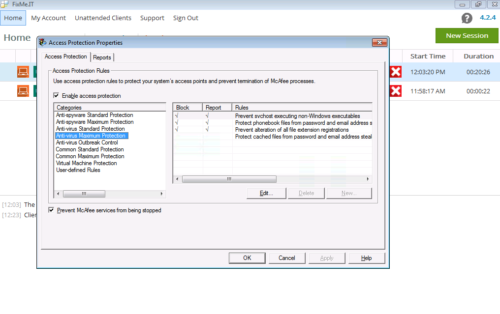
Whether you’re doing a free trial of FixMe.IT or already using our product to provide remote tech support services, you can always count on our team’s professional guidance and immediate assistance. In a previous article we described the way to fine tune Trend Micro OfficeScan for a better FixMe.IT experience. This time, as part of our regular blog category, we’ll share a few other notable customer support cases along with tips that some of you might find useful. [Read more…] about FixMe.IT Customer Care: On Guard of Your Product Experience
How to Create a Desktop Icon for Any Windows Keyboard Shortcut
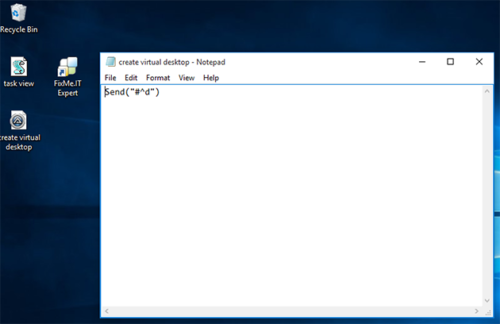
There’s an impressive amount of Windows 10 keyboard shortcuts that provide a much faster access to certain OS features, and chances are you apply most of them in your everyday work. But what if you want to be even more productive and put some of the vital Windows features just a click away by creating a desktop icon for a specific keyboard combination? [Read more…] about How to Create a Desktop Icon for Any Windows Keyboard Shortcut
How to Create Reports on FixMe.IT Remote Support Sessions
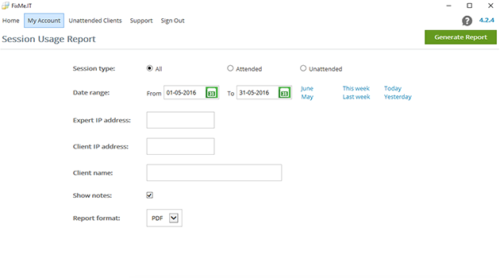
The ability to run session reports is a vital feature for any remote desktop tool on the market. It allows private IT practitioners to keep track of their own work, and helps CIOs and managers stay up-to-date on how and when the software is used by their teams. Therefore, if there’s something wrong with your organization’s support activity logs you’ll surely know about it. [Read more…] about How to Create Reports on FixMe.IT Remote Support Sessions
How to Install FixMe.IT Unattended Client on Multiple Remote Machines
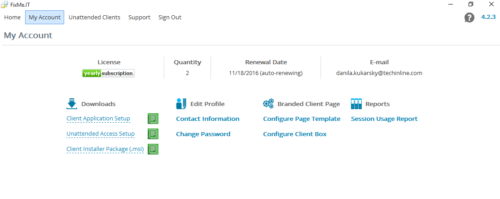
Unattended access is a time saving feature when it comes to managing remote computers without the client being present at their desktop. With a single FixMe.IT license, you can easily access and manage up to 150 workstations by installing the Unattended Client on each machine. Here’s a video tutorial describing the two ways to do that.
But what if you want to install the FixMe.IT Unattended Client on multiple remote computers at once rather than doing it manually on each individual machine? [Read more…] about How to Install FixMe.IT Unattended Client on Multiple Remote Machines
How to Setup Multiple Monitors & Navigate Between Them Remotely
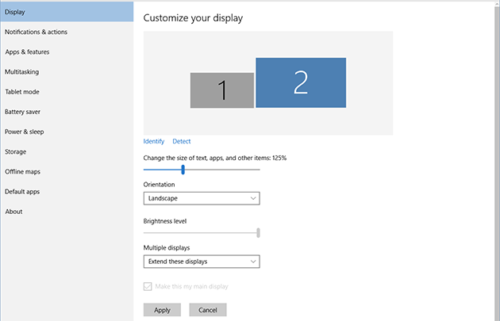
When it comes to in-person IT support, knowing how to setup multiple monitors is essential if you work with designers, coders, video editors, and others who need two or more screens to get their job done. As for remote access, multi-monitor navigation can be extremely helpful if you need to manage your computer that has multiple monitors while being away from the office.
In this blog post we’ll explain how to setup two or more screens in Windows 10, and will also provide a quick overview of Techinline FixMe.IT’s multi-monitor navigation capabilities. [Read more…] about How to Setup Multiple Monitors & Navigate Between Them Remotely
Fixed “Jumping Mouse” Issue on Windows 7 & Vista
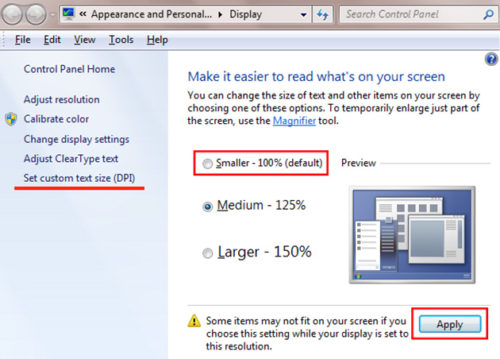
We’ve recently received a report from one of our users regarding a “jumping cursor” issue that occurred on Windows 7/Vista. The user’s mouse cursor appeared jumping all over the screen when moving it over certain windows during the support session. We’ve conducted an in-depth investigation and found that this issue was attributed to the use of legacy Windows applications that were DPI-unaware, and thus created the disturbance.
Here’s a quick workaround that helped us get the issue resolved: [Read more…] about Fixed “Jumping Mouse” Issue on Windows 7 & Vista