

By default, Windows 11 automatically sends updates to all devices to guarantee optimal performance, reliability, and security. However, these updates require an automatic reboot, which can be time-consuming and may lead to several system-related problems. As a result, many users are curious about whether there is a method to pause or completely turn off automatic updates to avoid disruptions in their daily work. [Read more…] about How to Disable Automatic Updates on Windows 11 (Step-by-Step 2025 Guide)
Windows Tips & Tricks
How to Remove Built-In Windows 11 Apps

Windows 11 comes with numerous preloaded applications. While some are helpful, others may feel unnecessary if you never use them. The good news: you can remove most of these default apps safely. [Read more…] about How to Remove Built-In Windows 11 Apps
Fix Unmountable Boot Volume Error in Windows 10 & 11 (2025 Guide)

Are you hit with the Unmountable Boot Volume error, which prevents you from signing in to Windows? Don’t stress — it’s fixable. In this guide, you will learn about 6 proven solutions designed for both Windows 10 and Windows 11. [Read more…] about Fix Unmountable Boot Volume Error in Windows 10 & 11 (2025 Guide)
How to Check if a Windows Server or PC Is Domain-Joined (All Methods)
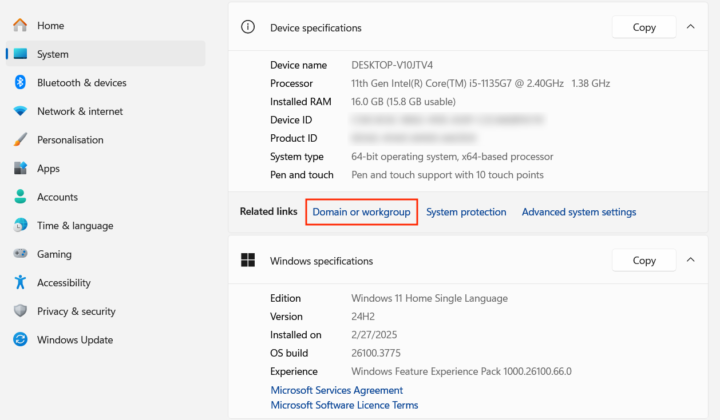
For an IT administrator, it’s important to quickly check if a Windows server or PC is domain-joined, as this directly impacts how the device is managed, secured, and integrated into the organization’s network infrastructure. Domain membership affects everything from policy enforcement and user access to remote administration and compliance, making it a key detail in everyday IT operations. [Read more…] about How to Check if a Windows Server or PC Is Domain-Joined (All Methods)
How to Run PowerShell as Administrator (Windows 10 & 11)
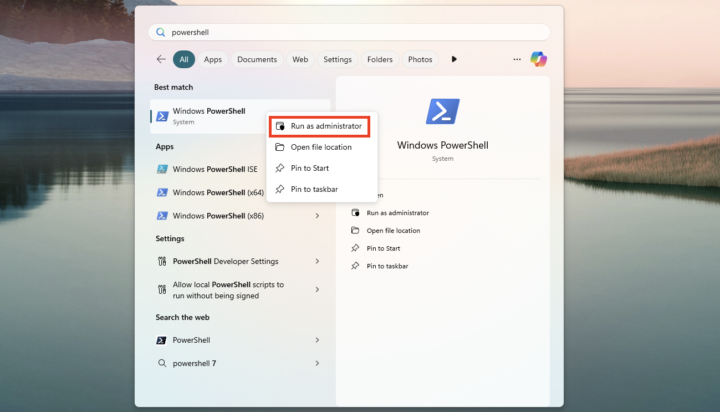
PowerShell is Microsoft’s command-line shell and scripting platform designed for advanced system administration, automation, and configuration management. Available by default in both Windows 10 and Windows 11, it enables users to interact with the system using commands and scripts that are far more powerful and flexible than the legacy Command Prompt. [Read more…] about How to Run PowerShell as Administrator (Windows 10 & 11)
Troubleshooting Multi-Monitor Issues on Windows 10
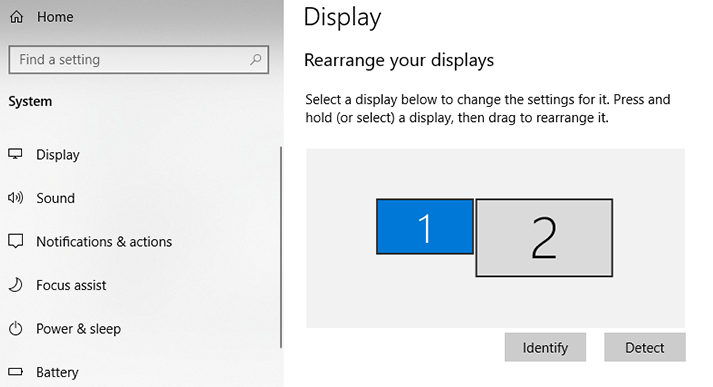
Adding extra displays to your work setup will help significantly increase productivity. Although you will most probably find it easy to set up multiple monitors, sometimes you may run into connectivity or driver-related issues that require more knowledge or even third-party support. In this article, you will learn how to troubleshoot the most common multi-monitor issues on Windows 10. [Read more…] about Troubleshooting Multi-Monitor Issues on Windows 10