
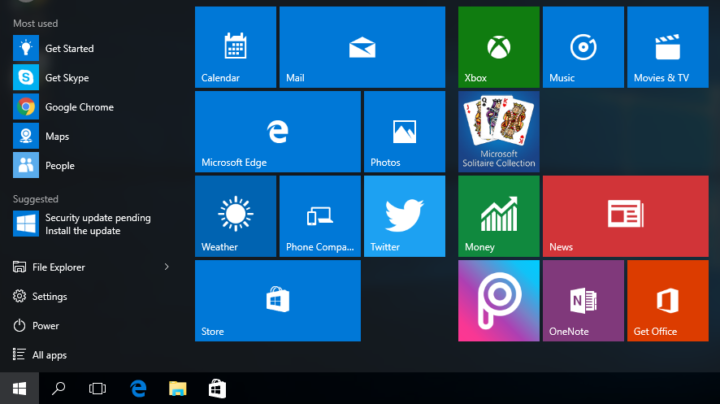
Windows 10 comes with a variety of built-in apps that are accessible from the All Apps view in the Start menu. Although these apps don’t take up too much space on your computer, you might want to remove some of them just for the sake of decluttering your Start menu. [Read more…] about How to Remove (and Reinstall) Default Windows 10 Apps
Tips & Tricks
3 Unattended Access Tips To Improve Your FixMe.IT Experience
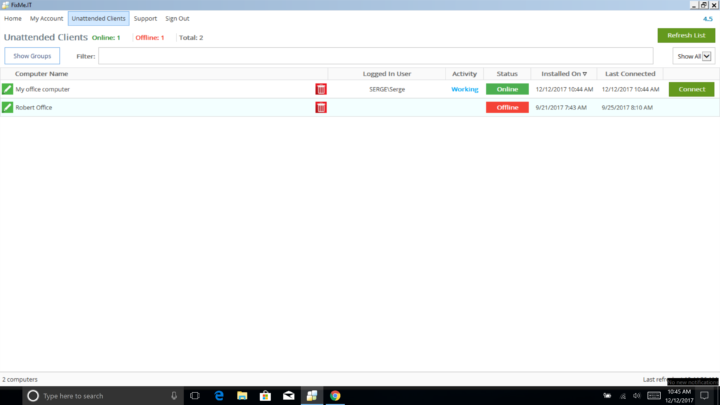
If you’ve already tried connecting to your unattended clients, you’d probably want to know how to do more with FixMe.IT to further improve your unattended support experience. Here are three useful tips that will help you get the most out of FixMe.IT’s unattended access feature. [Read more…] about 3 Unattended Access Tips To Improve Your FixMe.IT Experience
How to Build DMG Files for Windows-Based Applications on Linux
When working on the macOS version of a new product, our development team was looking for a solution that would allow them to create custom DMG installers for each client. Since the product’s API is based on Microsoft Azure Service Fabric, and there are no Windows-based tools that would meet the criteria for API compatibility and scalability, our team decided to look elsewhere. And here’s where a Linux-based solution came to help. [Read more…] about How to Build DMG Files for Windows-Based Applications on Linux
How to Avoid Windows 10 Login Screen Loop After Fall Creators Update

Some users have recently reported that they get stuck on the Windows 10 login screen when attempting to remotely access a machine running on Windows 10 Fall Creators Update (1709). Every time they enter the Windows credentials, they’re able to see the remote desktop for a second or two, but then get immediately logged out and have to type in the password again and again. [Read more…] about How to Avoid Windows 10 Login Screen Loop After Fall Creators Update
How to Center FixMe.IT Client ID Box With HTML & CSS
FixMe.IT allows you to easily customize the client application to match the design of your website. Here’s how you can center the Client ID Box on a webpage with the help of HTML and CSS. [Read more…] about How to Center FixMe.IT Client ID Box With HTML & CSS
How to Fix Double Login Issue on Windows 10 Fall Creators Update
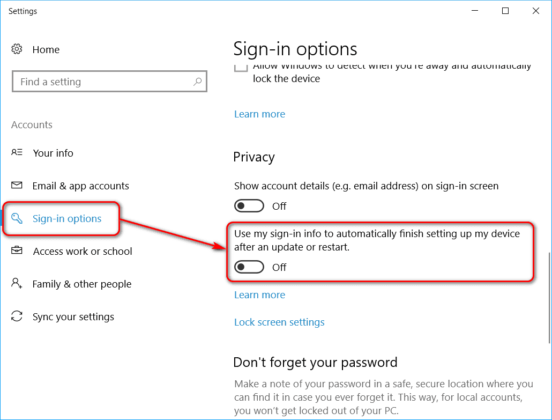
Some users have recently reported that they have to login twice after restarting or shutting down a machine running on Windows 10 Fall Creators Update. After entering the Windows password, they subsequently get redirected back to the Windows 10 Welcome screen prompting to enter the credentials again. [Read more…] about How to Fix Double Login Issue on Windows 10 Fall Creators Update