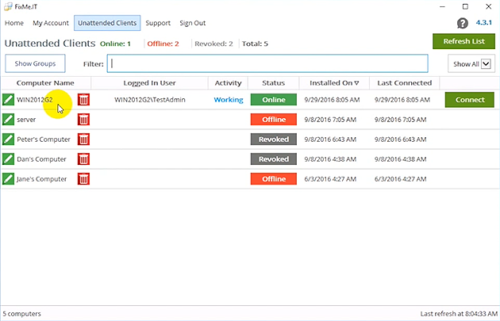
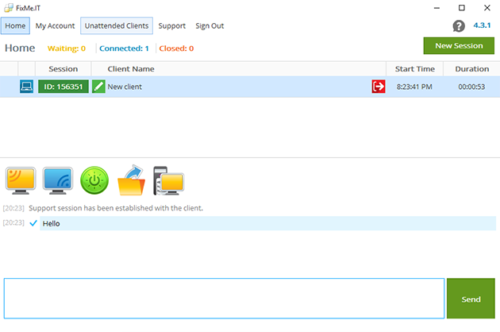
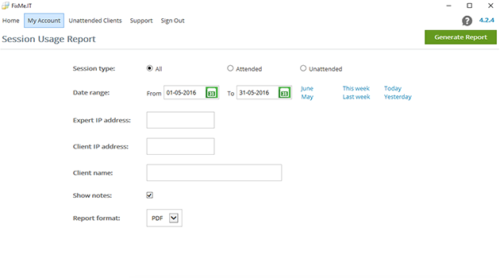
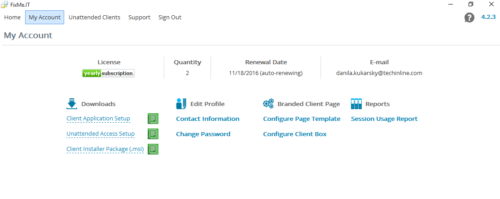
We’re often asked by prospects if there’s a version of the FixMe.IT remote support application that’s free for personal or limited business use. The answer is always the same: there isn’t and there will never be. And here’s why we’ve never had plans to make a free version of our product. [Read more…] about 3 Main Reasons Why FixMe.IT Isn’t Free
Product
FixMe.IT Branding Options
As a prospective or a new customer, you may wonder if there are white-labeling options available within FixMe.IT. The answer is yes! We understand that many businesses must follow strict guidelines in terms of company style when it comes to deploying a third-party solution. Alternatively, some of you may simply want to establish brand recognition and avoid possible confusion among customers. [Read more…] about FixMe.IT Branding Options
Infographic: 7 Things You Probably Didn’t Know About FixMe.IT
Whether you’re new to FixMe.IT or already are a long-time user of the application, we thought you might need some key figures and facts about our service at hand to share with your colleagues or prospective customers.
Here are seven things you (probably) didn’t know about FixMe.IT: [Read more…] about Infographic: 7 Things You Probably Didn’t Know About FixMe.IT
Resolved: FixMe.IT Server Outage on December 8
What happened?
Yesterday at around 11:30 A.M. EST one of our servers responsible for launching Expert and Client applications temporarily went down. As a result, our users were unable to run FixMe.IT or refresh the unattended client list if already working in the application. However, while the server was down all existing connections were maintained. During the outage our support specialists did their best to provide the necessary assistance and respond to all related customer queries.
Has it been resolved?
Yes. Right after the server became unresponsive, we received an automated alert and began working on the issue immediately. Our team implemented a backup recovery plan within 30 minutes after the outage had started, and everything was returned back to normal around 12 P.M. EST.
We appreciate your patience and understanding, and we thank you for being our valued customers! Please note that you can always count on our support team’s immediate assistance if any issues arise. You may contact us directly or leave us a shout on Twitter, and we’ll do our best to be quick as a flash!
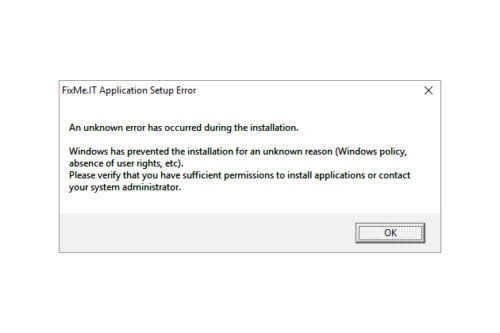
Unknown FixMe.IT Setup Errors – What to Do?
Based on recent customer feedback, FixMe.IT has proven to be one of the most stable and reliable remote desktop tools on the market providing IT pros with secure means of connecting to remote computers from anywhere in the world. However, like with any other software, you might stumble upon some unexpected errors when trying to run FixMe.IT on your machine. Now let’s take a look at what may cause these errors and what can be done to eliminate them. [Read more…] about Unknown FixMe.IT Setup Errors – What to Do?
How to Setup FixMe.IT Unattended Client on Windows 2012 Core Server
Unattended access is one of the key features to be found in a remote desktop application such as Techinline FixMe.IT. It provides you with maximum flexibility and brings ease of mind by letting you connect to a number of remote machines and work on them at any time, from any location, and without the client’s involvement.
Setting up the FixMe.IT Unattended Client on a remote client’s computer is easy. For that, you can either set it up from the Expert toolbar when starting a new support session, or run an installation file on a remote desktop. But what if you need to locally set up unattended access on a Windows 2012 Core server? That’s a bit trickier. Your client should have some advanced Command Line skills to make it happen, so let’s see how it can be done. [Read more…] about How to Setup FixMe.IT Unattended Client on Windows 2012 Core Server