
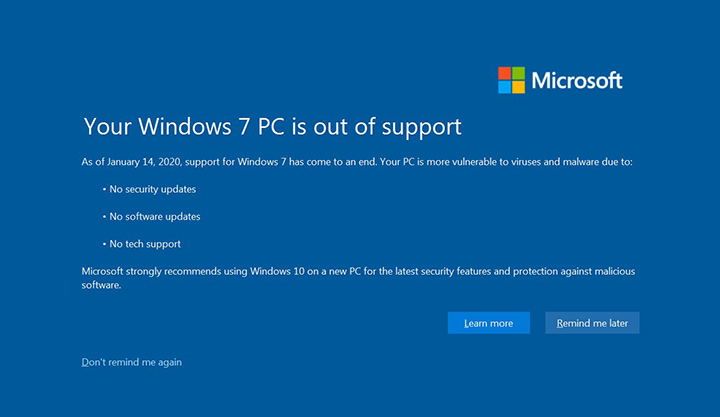
Two days ago, on January 14th, 2020, Windows 7 reached its end of life, which means that Microsoft will no longer support it with regular security updates. For those users who are still on Windows 7, Microsoft will start displaying alerts indicating that their OS is out of support and should be upgraded to Windows 10. [Read more…] about Upgrade from Windows 7 to Windows 10 for Free Using FixMe.IT
Tips & Tricks
Three Cool Things You Should Try With FixMe.IT
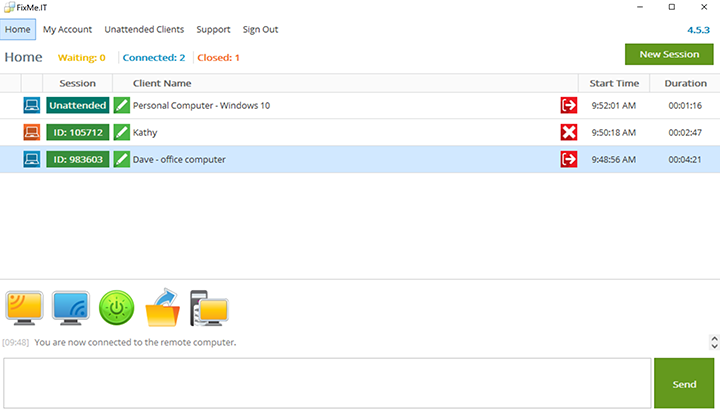
New to FixMe.IT? Here are the three tips that will help you start off on the right foot with our remote support tool. [Read more…] about Three Cool Things You Should Try With FixMe.IT
How to Enable Built-in Administrator Account on Windows 10
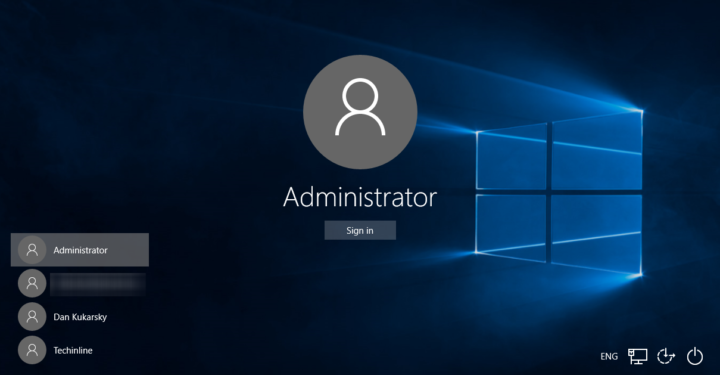
Microsoft Windows features a hidden built-in administrator account that’s disabled by default. Although considered to be a vulnerability, the built-in administrator account might become a lifesaver in certain unpredictable situations. Here are three ways to enable it on Windows 10. [Read more…] about How to Enable Built-in Administrator Account on Windows 10
How to Get the Windows 10 November Update Before the Official Release
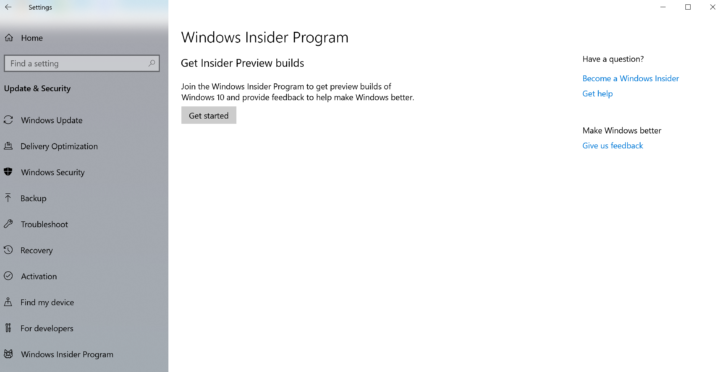
The official release of the new Windows 10 November 2019 update is just around the corner. However, if you would like to try the new version before the final rollout you can do so by downloading and installing its release preview via the Windows Insider Program. [Read more…] about How to Get the Windows 10 November Update Before the Official Release
5 Ways to Disable Automatic Updates on Windows 10
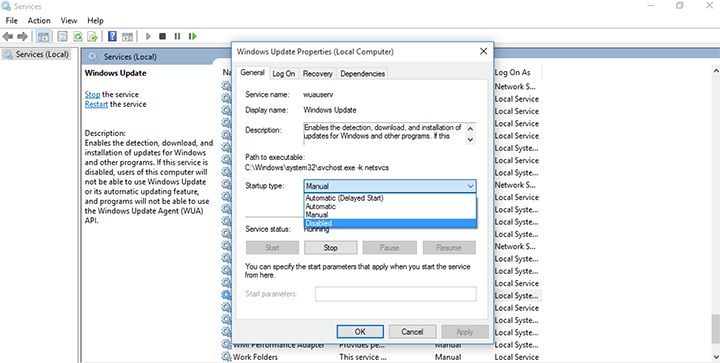
By default, Windows 10 sends updates to every device automatically to ensure the highest performance, reliability, and security. These updates, however, require an automatic reboot that may take a long time to complete or cause various system-related issues. With that, many users are wondering if there is a way to pause or fully disable automatic updates to prevent them from interfering with their everyday work. [Read more…] about 5 Ways to Disable Automatic Updates on Windows 10
Quick Fix: Keyboard Not Working at the Remote Login Screen on Windows Server 2008
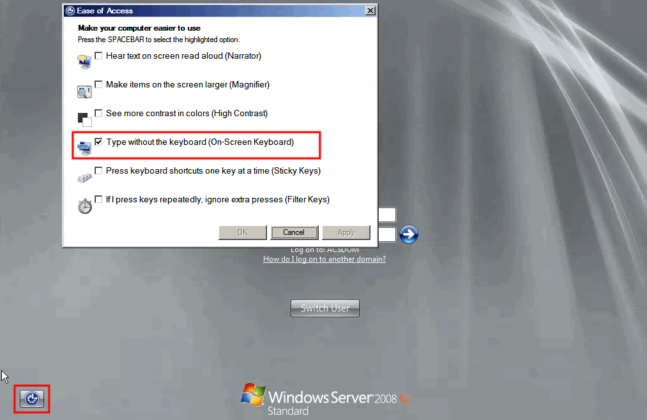
We came across an issue where some users were unable to use their keyboard at the remote login screen on Windows Server 2008. The keyboard simply didn’t work when they were required to enter a password which prevented them from accessing the remote machine. [Read more…] about Quick Fix: Keyboard Not Working at the Remote Login Screen on Windows Server 2008