

Maintaining client happiness and encouraging loyalty in today’s hectic environment depend on quick reaction times. Studies reveal that consumers want almost instantaneous answers; industry standards usually gauge achievement in minutes or seconds. [Read more…] about How Customer Support Software Improves Response Time Across Industries
Chrome Remote Desktop Review: The Pros & Cons
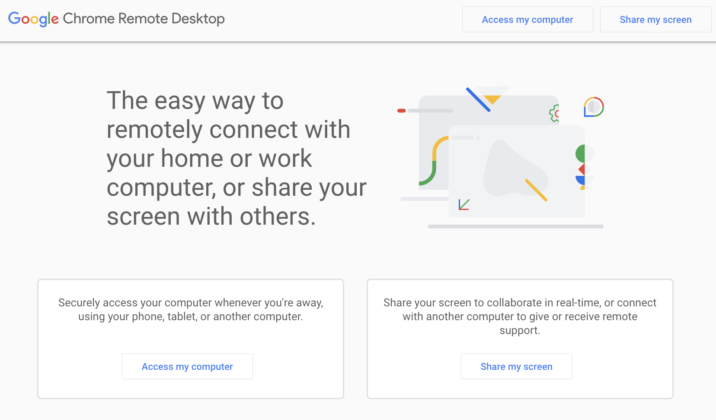
Looking for a comprehensive Chrome Remote Desktop review? We’ve got you covered. Chrome Remote Desktop is one of the most popular remote desktop applications available for free. It’s quick to set up, easy to use and provides a stable connection between remote computers.
Chrome Remote Desktop is more than enough if all you need is connecting to your own devices now and then, or helping out a family member or a friend with a quick computer fix.
But what if you’re starting out an IT support business of your own and need to assist a larger number of remote users outside your network? Will Chrome Remote Desktop suffice? [Read more…] about Chrome Remote Desktop Review: The Pros & Cons
New SetMe Feature: Lock Remote Computer on Session End
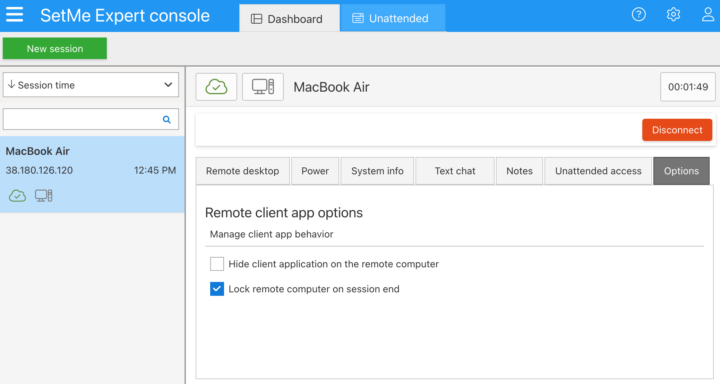
Meet SetMe’s new feature which further elevates the security of your support sessions and unattended devices by allowing you to automatically lock the remote screen on session end. With just two clicks, you can now set the remote computer to be automatically locked after an ad-hoc or unattended support session in order to protect it from unauthorized access. [Read more…] about New SetMe Feature: Lock Remote Computer on Session End
SetMe’s Unattended Access Now Available for Mac
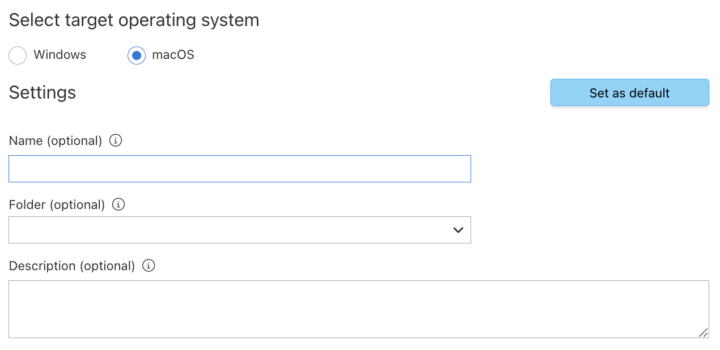
Amazing news: we’ve expanded SetMe’s cross-platform capabilities by releasing the highly anticipated unattended client app for macOS. With this exciting update, you can now instantly and securely access unattended Macs, easily manage them via the Expert console or web portal, keep your own Mac computers at hand and retrieve important files from them when working from another location. [Read more…] about SetMe’s Unattended Access Now Available for Mac
Enjoy the Freedom of SetMe’s New Flexible Concurrent License Model
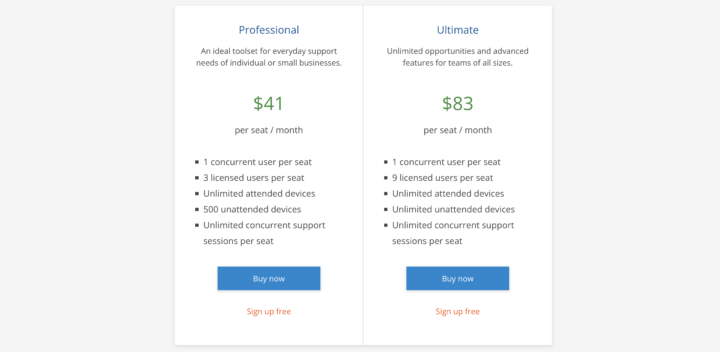
We’re excited to introduce a new flexible license model which will allow you to conveniently and cost-effectively support your customers within a multi-user environment without having to purchase seats for every user on your team. Here’s a detailed overview of what’s changed and how you can benefit from these changes. [Read more…] about Enjoy the Freedom of SetMe’s New Flexible Concurrent License Model
New SetMe Features: In-Session Unattended Setup, Screen Blanking for Mac & More
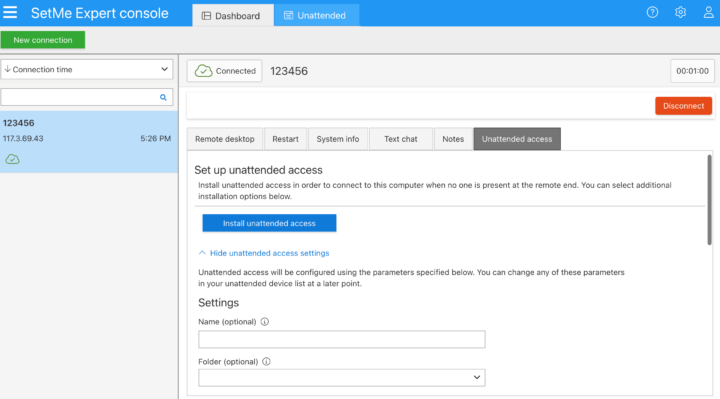
As part of our effort to continually improve your experience with SetMe, today we’re excited to announce multiple new features and enhancements that will allow you to save time, increase productivity, and further secure the content of your support sessions when managing remote Macs. [Read more…] about New SetMe Features: In-Session Unattended Setup, Screen Blanking for Mac & More