
Unlike the overwhelming majority of remote support software, FixMe.IT allows you to connect to any Windows computers, including those running legacy operating systems, and ensures a seamless, high-quality remote desktop experience in any environment.
Today, FixMe.IT might as well be the only application that fully supports Windows XP and provides an easy way to access machines running Windows Server 2003.
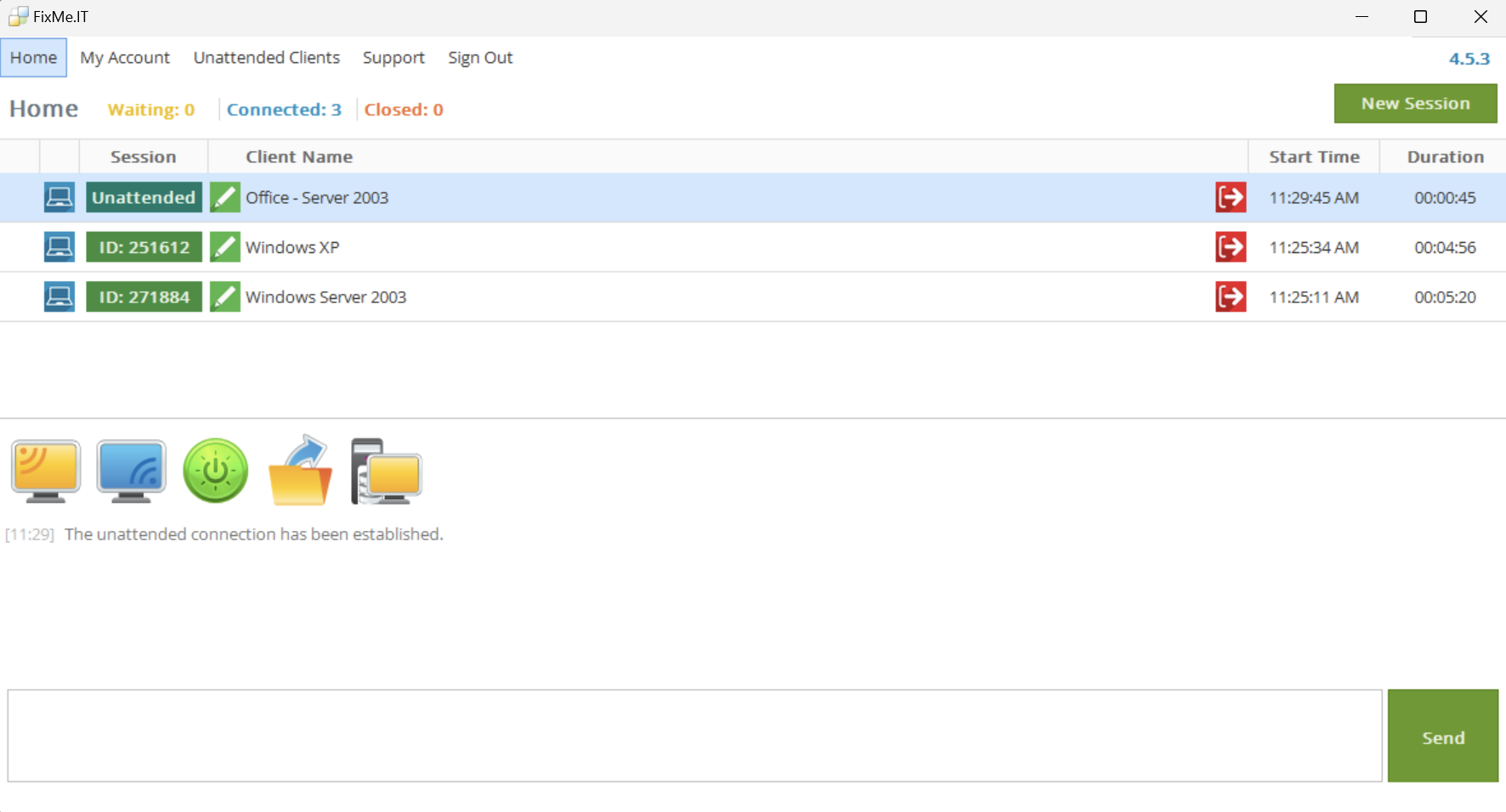
Below are the three reasons why FixMe.IT is the best software for delivering remote support to Windows XP or Server 2003 users wherever they are located.
Powerful feature set
FixMe.IT allows you to connect to an unlimited number of remote Windows computers, as well as configure up to 150 devices for unattended access with a single license. On top of that, it offers an impressive set of remote desktop features, including the ability to work with multiple remote machines simultaneously, remote screen scaling, two-way desktop sharing, secure drag-and-drop and copy-paste file transfer, multi-monitor navigation, remote reboot and auto-reconnect, and much more.
Fast & secure connection
FixMe.IT allows you to connect to any Windows XP or Server 2003 machine in a matter of just three clicks. When it comes to security, FixMe.IT brings peace of mind to any IT professional by keeping all data fully protected with TLS 1.2 protocol and 256-bit SSL encryption. You can also add an extra level of security by enabling two-factor authentication which comes free of charge with every FixMe.IT account.
Top-rated by IT pros
According to Gartner’s Capterra, FixMe.IT is among the top 10 applications within its Remote Support Software Category Shortlist. Based on 366 unbiased customer reviews, FixMe.IT also has a 100% recommended rating on Gartner’s GetApp. Don’t take our word for it, see FixMe.IT’s latest awards from these platforms:
Gartner’s Capterra & GetApp Category Leader 2022
High Performer, Rated #1 for Data Encryption in G2’s Summer 2022 Report
Sign up for a fully-featured free trial of FixMe.IT and start supporting remote Windows XP and Server 2003 computers today: